- Open the OnCampus Printing Portal
- Select Sign in with Microsoft.
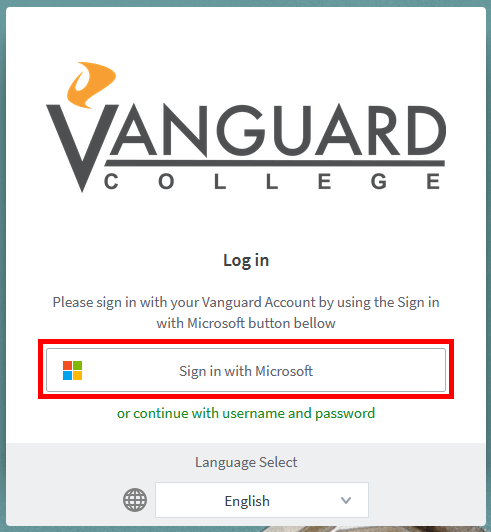
- Enter your Vanguard Account username and password as requested (firstname.lastname@vanguardmail.ca).
Need More Help:
Contact the Vanguard College IT Department by submitting a ticket here.
Was this article helpful?
That’s Great!
Thank you for your feedback
Sorry! We couldn't be helpful
Thank you for your feedback
Feedback sent
We appreciate your effort and will try to fix the article